Post
Reads the results of the step selected in the Step List and displays the values of the item selected in Post Result.
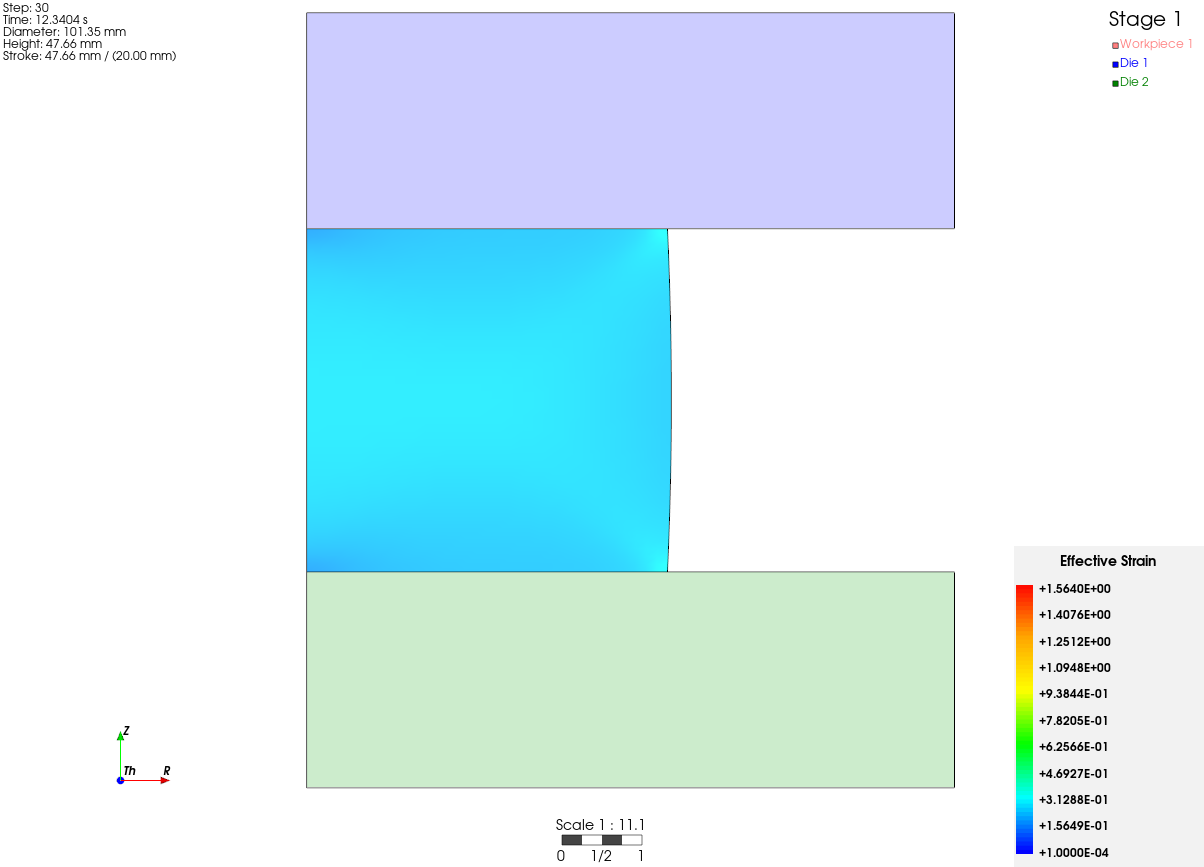
Legend- Located in the upper right corner; shows the current stage number and the models.Coordinate system- Located in the lower left corner by default; it can be moved by dragging.Scale- Located at the bottom; shows the scale.Information- Located in the upper left corner; prints the currently selected step, the time, the workpiece shape information and the stroke.Scalar bar- Shows the values of the current analysis result as colors.