Export
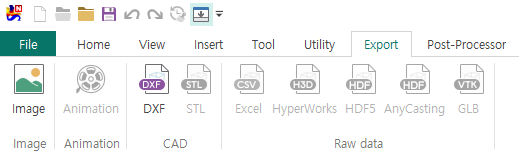
Image

Image
Opens the Export Dialog to export the current screen as an image file.
Animation

Animation
Opens the Export Dialog to export the current screen as a video.
CAD

DXF
Saves the current data as a DXF file.STL
Saves the current data as an STL file.
Data
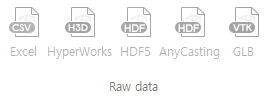
Excel
Opens the Export Dialog to save as a CSV file that can be opened in Excel.HyperWorks
Opens the Export Dialog to save as an H3D file viewable in Altair HyperWorks Viewer.HDF5
Opens the Export Dialog to save in HDF5 format.AnyCasting
Opens the Export Dialog to save in H5 format for AnyCasting.GLB
Exports to a GLB file that can be opened and rendered in PowerPoint.